Why the Tool You Choose Actually Matters
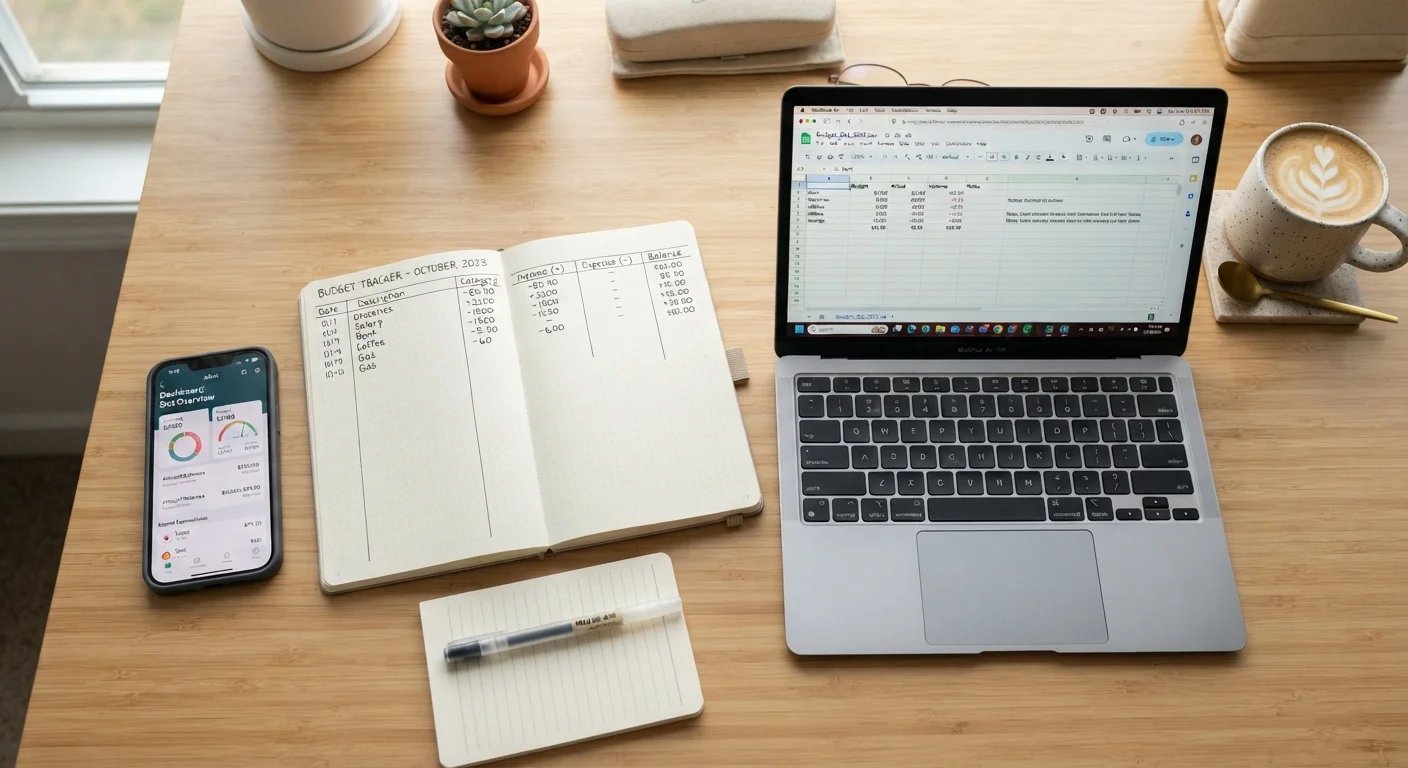
Budgeting works best when it becomes a habit - and habits are easier to build when the process doesn't feel like a chore. The method you use shapes how often you engage with your finances, how accurately you track spending, and whether you're likely to keep going after the first month.
This isn't about finding the "right" answer. It's about matching a tool to how your mind works and how your life is structured. If you're just getting started, see our plain-English guide to building your first budget before deciding on a method.
| Paper | Spreadsheet | Budgeting App | |
|---|---|---|---|
| Setup time | Minutes | 30 min to several hours | 15-30 minutes |
| Cost | Near zero | Free to low cost | Free to ~$15/month |
| Automation | None | Formulas only | High - auto-imports transactions |
| Customization | Fully manual | Fully customizable | Limited by app design |
| Privacy | Maximum privacy | High privacy | Requires bank account access |
| Best for beginners | Yes | Moderate learning curve | Yes, if comfortable with apps |
| Works for shared finances | Awkward | Shareable via cloud | Yes - multi-user support |
Paper Budgeting: Simple, Tactile, and Surprisingly Effective
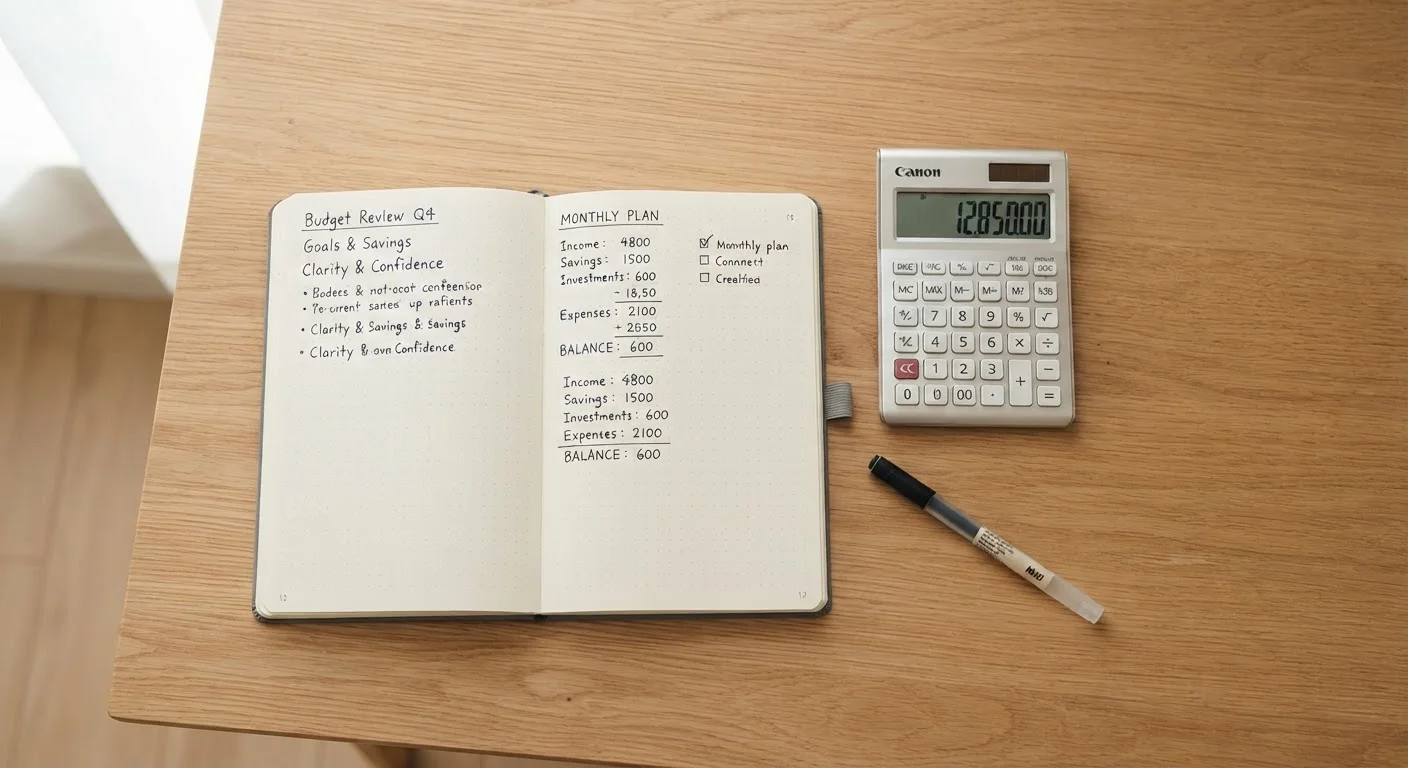
Writing out income and expenses by hand forces a kind of deliberate attention that screens often don't. Many people find they remember and internalize their numbers better when they write them down physically. There's no app to install, no account to link, and no subscription fee.
The limitations are real, though. Paper doesn't do math for you, doesn't send reminders, and is easy to lose or forget. If you spend across many categories or have a complex household, keeping a notebook updated takes genuine discipline. Paper also doesn't scale well for shared finances - passing a notebook back and forth with a partner is awkward at best.
Paper works well as an entry point. If you've never budgeted before, a simple notebook layout - income at the top, fixed expenses, then variable spending - can help you see your money clearly without any learning curve. The cash envelope method pairs naturally with paper-based tracking for those who prefer a physical system end to end.
Spreadsheets: Maximum Control, Moderate Effort
A spreadsheet - whether in Google Sheets, Excel, or a similar program - puts you in the driver's seat. You define every category, build your own formulas, and design the layout that makes sense for your situation. For people who are comfortable with basic software, a well-built budget spreadsheet can be one of the most powerful personal finance tools available.
The catch is the setup cost. Building a spreadsheet from scratch takes time, and maintaining it requires manual data entry every time you spend money. If you miss a week of entries, catching up becomes a project. Templates can reduce the setup work, but you'll still need to enter transactions by hand.
Start With a Template Before Building From Scratch
Free spreadsheet templates for budgeting are widely available through Google Sheets and Microsoft Excel's template libraries. Starting with a pre-built structure can save significant time and help you understand what categories matter before you customize. Once you've used a template for a month or two, you'll have a much clearer sense of what to adjust for your own situation.
Spreadsheets shine for people with variable or irregular income - freelancers and gig workers, for instance - because you can customize formulas to model different earning scenarios. Our article on budgeting on an irregular income covers strategies that translate naturally into a spreadsheet format.
Budgeting Apps: Automation With Trade-Offs
Apps that connect to your bank accounts can pull in transactions automatically, categorize spending, and send alerts when you're approaching a limit. For people who find manual entry the main reason they abandon a budget, this automation removes a meaningful barrier.
The privacy consideration is worth understanding clearly: most budgeting apps require read-only access to your financial accounts through bank-level encryption, but you are sharing sensitive financial data with a third party. Review any app's privacy policy and security disclosures before connecting accounts. Not everyone is comfortable with this arrangement, and that's a legitimate reason to choose a different tool.
Apps tend to work particularly well for households, since many allow multiple users to view the same budget. If you're managing finances with a partner, our guide on splitting finances as a household walks through how shared budgeting systems typically work in practice.
This article is for general informational purposes only and does not constitute personalized financial advice. Consider consulting a qualified financial professional for guidance specific to your situation.