

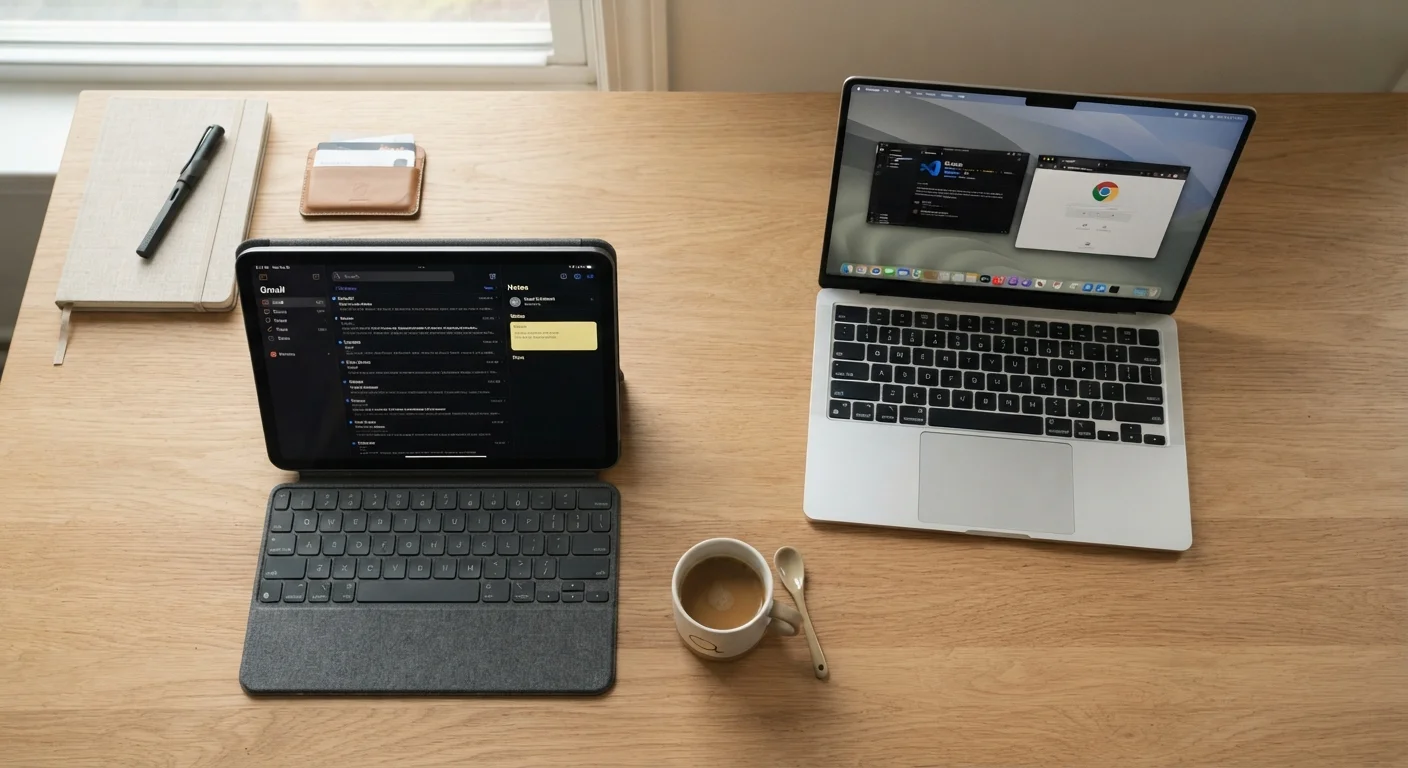
Why This Choice Is Harder Than It Used to Be
A few years ago, the tablet-vs-laptop decision was fairly straightforward: tablets were for consuming content, laptops were for creating it. That line has blurred significantly. Tablets now support external keyboards, multi-window multitasking, and sophisticated creative apps. Meanwhile, laptops have become thinner and lighter than ever.
But capability on paper doesn't always translate to capability in practice. The real question isn't which device is more powerful in a benchmark - it's which one removes friction from how you actually spend your time. Understanding that distinction is the starting point for a good decision.
Where Laptops Still Have a Clear Edge
Laptops run full desktop operating systems - Windows or macOS - which means near-universal software compatibility. If your work involves specialized industry software, coding environments, or complex spreadsheets with dozens of linked sheets, a laptop is typically the more reliable choice. The physical keyboard is also a meaningful advantage: sustained typing on a built-in keyboard, with a stable base and proper key travel, remains more comfortable over long sessions than any tablet keyboard case.
File management is another area where laptops hold up better. Organizing, moving, and batch-processing files across multiple folders is more intuitive with a traditional file system and a trackpad or mouse. If you regularly connect to external monitors, wired peripherals, or company networks, laptop ports and driver support tend to be broader as well.
If you're keeping a laptop long-term, it's worth reading about laptop battery habits that can quietly shorten its lifespan - small daily choices that affect how long your device stays useful.
| Laptop | Tablet | |
|---|---|---|
| Operating system | Full desktop OS (Windows/macOS) | Mobile/tablet OS (iPadOS, Android) |
| Software compatibility | Near-universal app support | Growing, but gaps in specialized tools |
| Typing comfort | Built-in physical keyboard | Requires accessory keyboard |
| Portability | Moderate - heavier, bulkier | High - lighter, thinner |
| Battery life | Varies widely; often 6-12 hours | Typically strong; often 10-15 hours |
| Touchscreen | Optional on some models | Core interaction method |
| File management | Full file system access | More limited, app-centric |
| Best primary use | Complex work, coding, writing | Media, notes, casual tasks |
Where Tablets Genuinely Win
Tablets are lighter, thinner, and often run longer on a single charge than comparably priced laptops. For anyone commuting, traveling, or moving between rooms frequently, that physical difference matters in everyday life. The touchscreen interface also makes certain tasks - annotating documents, sketching, reading, and navigating apps - feel more natural and direct.
For students, tablets can replace both a notebook and a textbook in many classes. For casual users who primarily browse the web, video call with family, stream content, and manage email, a tablet handles all of it capably. The app ecosystems on major tablet platforms have expanded to include credible versions of word processing, spreadsheet, and presentation tools - enough for many people's actual needs.
Test Before You Commit
If possible, spend time with both form factors before purchasing. Many libraries, retailers, and workplaces have devices available to try. Even 20 minutes of real tasks - typing a document, managing files, video calling - reveals comfort and friction that no spec sheet can predict. Your actual reaction to the experience is reliable data.
The Three Questions That Matter Most
Rather than comparing spec sheets, ask yourself three practical questions:
- How much do you type? If you produce long documents, emails, or code daily, a physical keyboard isn't optional - and a laptop's built-in keyboard usually outperforms a tablet's accessory one for sustained sessions.
- Which software do you depend on? Identify your two or three most-used work applications and verify whether tablet versions exist and are fully functional. Some professional tools have limited or no tablet support.
- How often does your device move? If your device mostly sits on a desk, portability is less of a factor. If you're frequently working from different locations, weight and battery life become more significant.
Honest answers to these questions will point you toward the right choice more reliably than any feature list. For a related example of how matching the tool to the task plays out in another context, see our comparison of paper budgeting versus spreadsheets versus budgeting apps - the same logic applies.
Getting the Most from Whichever Device You Choose
Once you've made your choice, the longevity of your investment depends on how you maintain it. Simple habits - keeping software updated, managing storage, and avoiding extreme temperatures - apply to both tablets and laptops. Our guide on keeping your devices running well over time covers practical maintenance steps that help either device stay fast and reliable longer.
For tablet users adding accessories like keyboards or styluses, buy what you'll actually use regularly - accessories that stay in a drawer don't improve your workflow. For laptop users, understanding how your usage patterns affect battery health is especially worthwhile over a multi-year ownership cycle.
Whichever device you land on, it will serve you better when it's matched to realistic daily habits rather than an idealized version of how you imagine working.


