

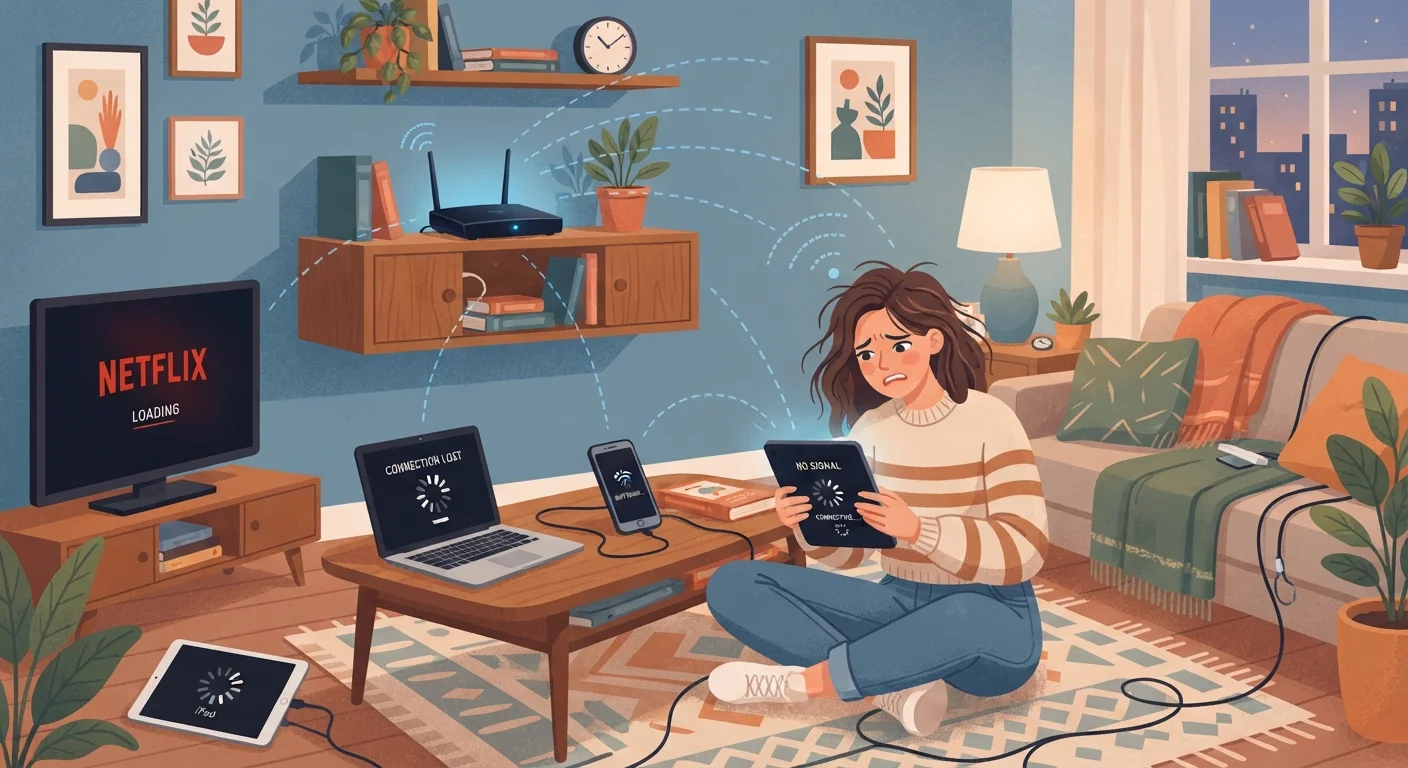
The Gap Between Your Plan and Your Real-World Wi-Fi
You're paying for a high-speed internet plan, but your video keeps buffering and pages load sluggishly. Before blaming your provider, it's worth understanding that your internet connection and your Wi-Fi network are two separate systems - and the slowdown is often happening in the second one.
Your modem receives the signal from your internet service provider. Your router then broadcasts that signal wirelessly throughout your home. Every wall, appliance, neighboring network, and connected device between your router and your phone or laptop introduces a potential source of friction. Most everyday Wi-Fi frustrations come from setup and configuration errors rather than insufficient bandwidth. See our guide on internet speed myths for context on what your plan's advertised speed actually means in practice.
Common Wi-Fi Mistakes - and How to Fix Them
The following errors account for the majority of home Wi-Fi complaints. Identifying which one applies to your situation is the first step toward a meaningful improvement.
Placing the router in a corner, closet, or against an exterior wall.
Why it happens: Routers are often tucked away to hide the hardware or keep cables tidy, without considering how signal travels through a home.
Running a router on firmware that hasn't been updated in months or years.
Why it happens: Most routers don't prompt users to update firmware the way a smartphone does, so the task goes unnoticed indefinitely.
Connecting every device to the 2.4 GHz band when a 5 GHz band is available.
Why it happens: Many routers broadcast both bands under the same network name, and devices connect automatically without the user realizing they're on the slower band.
Ignoring Wi-Fi channel overlap with neighboring networks.
Why it happens: Routers are often left on factory-default channel settings, which means many nearby routers in an apartment building or dense neighborhood share the same channel.
Overloading a single router with too many simultaneous connected devices.
Why it happens: Smart home adoption has grown rapidly - thermostats, cameras, speakers, and bulbs all consume a share of router capacity, often invisibly.
Never restarting the router, even when performance degrades.
Why it happens: Routers are treated like appliances that run continuously, but they accumulate memory usage and connection state over time, similar to a computer.
When Your Setup Is Fine but Performance Still Suffers
Sometimes you can correct every placement and configuration error and still notice inconsistent performance. A few less obvious factors are worth considering.
~30%
Speed lost through walls and obstacles
Industry testing has consistently shown that a single interior wall can reduce Wi-Fi signal strength by 30% or more, with concrete and brick causing even steeper drops.
5-7 years
Typical useful lifespan of a consumer router
Consumer networking hardware generally performs reliably for five to seven years; beyond that, aging components and lack of support for newer Wi-Fi standards become limiting factors.
Network congestion at the ISP level can affect speeds during peak hours - typically evenings and weekends - regardless of your home setup. This is an infrastructure issue beyond your control, though switching connection types can sometimes help. Our comparison of 5G home internet vs. traditional broadband outlines how different technologies handle congestion differently.
Device age also matters. Older phones, laptops, and smart home gadgets may only support older Wi-Fi standards (such as Wi-Fi 4, also known as 802.11n), which limits their top speed even when your router is modern and well-positioned. If you've upgraded your router but still see one device underperforming, the device itself may be the bottleneck.
Finally, securing your home Wi-Fi network is worth considering - an open or poorly secured network can allow unauthorized users to consume bandwidth you're paying for, showing up as unexplained slowdowns. Check your router's connected device list periodically to confirm only your devices are on the network.


