

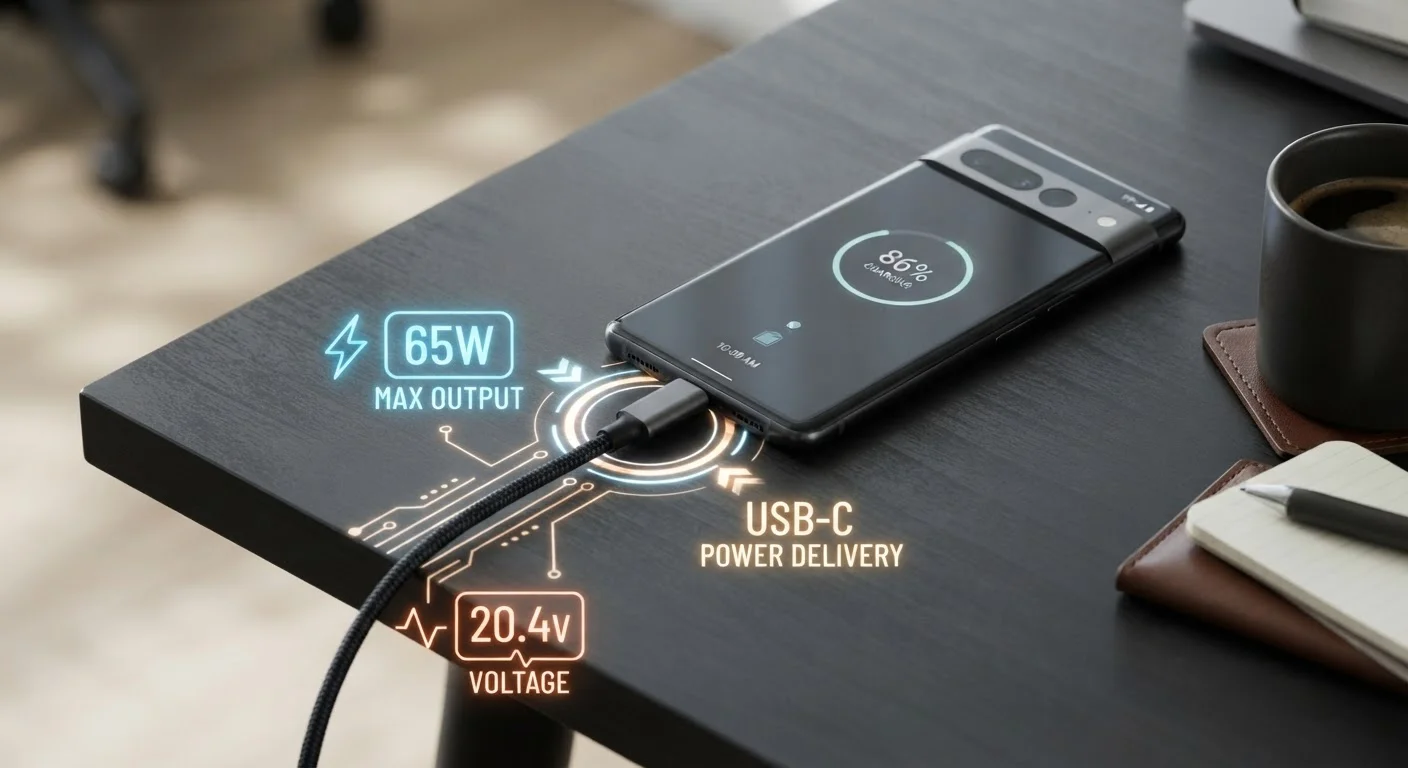
The Basic Math: Volts × Amps = Watts
When you see a charger labeled "20W" or "65W," that number is doing most of the work in telling you how quickly energy can flow into your battery. Watts (W) are the product of two other values printed on your charger: volts (V) and amps (A).
Voltage is electrical pressure - how hard the current is being pushed. Amperage (or current) is the volume of electricity flowing at any moment. Multiply the two and you get watts, the real measure of charging power. A 5V/2A charger delivers 10W. A 9V/3A charger delivers 27W - nearly three times the charging rate.
This is why upgrading from a basic 5W charger to a 25W or 45W charger can meaningfully cut your charge time, sometimes by more than half. Just as internet plans are often misunderstood by their headline numbers - see our breakdown of internet speed terms for a parallel example - charging specs have their own layer of nuance beneath the marketing label.
Fast Charging Standards: Why They're Not All the Same
"Fast charging" is a marketing term before it's a technical one. Several competing protocols govern how chargers and devices negotiate power delivery, and they don't always speak the same language.
- USB Power Delivery (USB-PD): An open industry standard supported by most modern Android phones, iPhones (from iPhone 8 onward), iPads, and laptops. It adjusts voltage in steps - typically 5V, 9V, 15V, or 20V - to match what the device needs.
- Qualcomm Quick Charge: Common in Android devices using Qualcomm processors. Versions range from QC 2.0 to QC 5.0, with significant wattage differences between them. QC 4+ is partially compatible with USB-PD.
- Proprietary protocols: Some manufacturers use their own systems that only work with their branded chargers. Using a third-party charger will usually fall back to standard 5W speeds.
Match Your Cable to Your Charger's Wattage
Before assuming your charger is underperforming, test a different cable - one rated 3A or higher for smartphones, or 5A for laptops. The fix is often a $10-$15 cable rather than a new charger. Look for cables explicitly labeled with USB-PD compliance or a wattage rating that matches or exceeds your charger.
The key takeaway: a charger and device need to support the same (or compatible) standard to unlock fast-charging speeds. A mismatch doesn't damage anything - it just charges more slowly.
Why Your Cable Is the Overlooked Variable
Many people invest in a powerful charger and then connect it with whatever cable came in the box - or one left over from an older device. This is one of the most common reasons fast charging underperforms.
USB-C is a connector shape, not a performance guarantee. Cables carry ratings for maximum current (amps) and sometimes voltage. A cable rated for 2A will cap your charging at 10W on a 5V line, no matter what the charger or device can theoretically handle. High-wattage charging - anything above 60W - typically requires a cable explicitly rated for 5A or labeled as "USB-PD 3.0" or "E-Marked" (a chip inside the cable that communicates its rating to the charger).
Cable Ratings Are Not Always Printed Visibly
Many USB-C cables don't display their amperage or wattage ratings on the cable itself. Check the product packaging, manufacturer's website, or look for cables labeled 'E-Marked' - a small embedded chip that communicates the cable's capabilities to the charger automatically. When in doubt, purchasing from established electronics retailers with clear spec listings reduces the risk of receiving an underrated cable.
Look for the following when buying a replacement charging cable: a current rating of at least 3A for typical smartphone fast charging, or 5A for laptops and higher-wattage devices. "USB-PD" or "60W+" labeling is a reliable shorthand. Avoid unlabeled cables from unverified sources - they may not meet their stated specs and can generate excess heat.
Older cable formats matter too. A Micro-USB cable is physically capped at 2A (10W at 5V). If you're still using Micro-USB accessories, the cable itself is the ceiling on your charging speed.
Heat, Battery Health, and the Trade-Offs of Faster Charging
Faster charging produces more heat - that's unavoidable physics. A small amount of warmth during charging is normal. Most devices manage this by slowing charge rates as the battery approaches full, protecting cell chemistry. This is why the last 20% of a charge often takes as long as the first 80%.
Chronic heat exposure - leaving your phone in direct sunlight while charging, for example - can accelerate battery aging over time. This isn't unique to fast charging; it applies to any form of charging in hot environments. The broader principle is that battery capacity naturally decreases over hundreds of charge cycles, and thermal stress can accelerate that process.
For most everyday users, the convenience of fast charging far outweighs these concerns when devices are used within their rated specifications. Charging overnight on a slower charger is equally common and imposes little added risk for batteries with modern charge-management firmware.
Understanding the specs behind your devices is part of a broader effort to get more from your tech - similar to diagnosing why your Wi-Fi slows down when you least expect it. In both cases, the answer usually lies in a component you haven't thought to check.


