

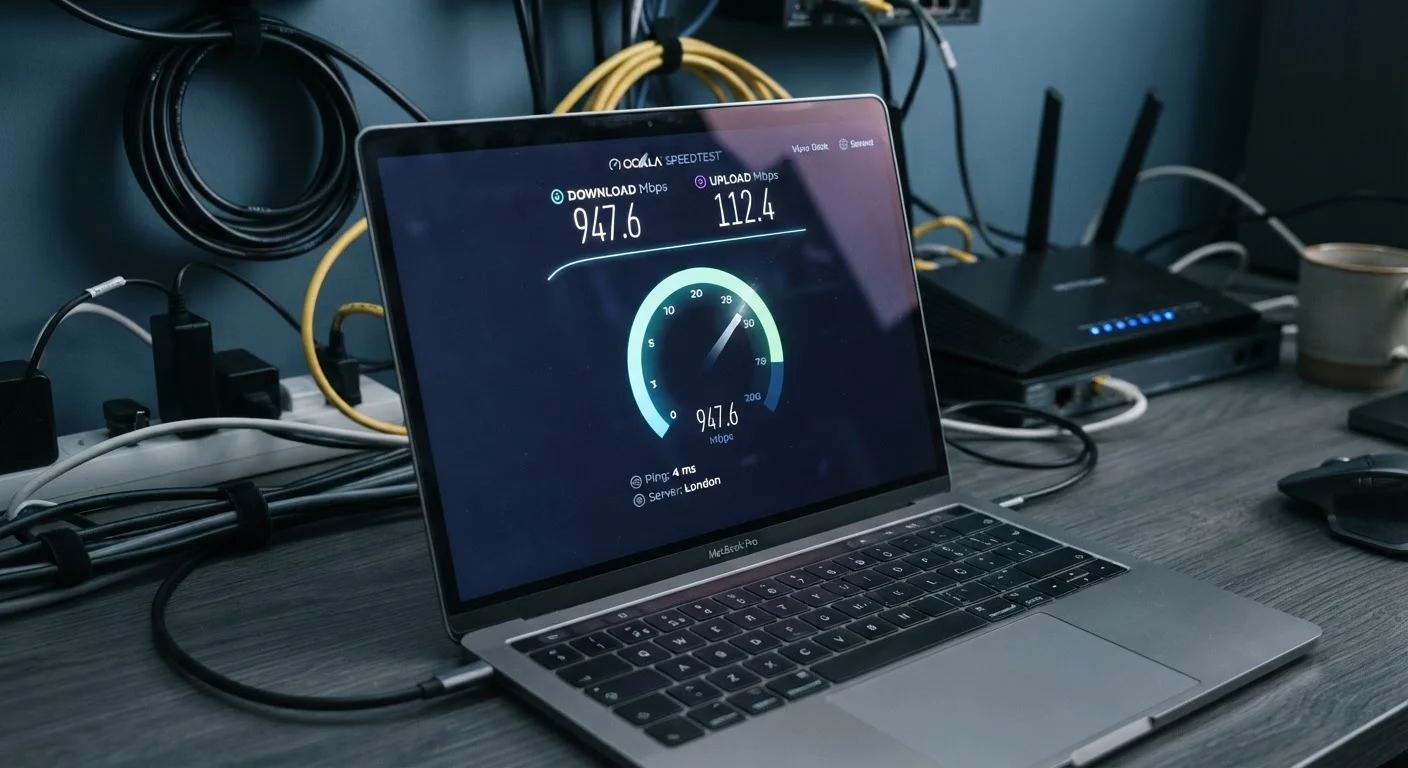
Why Internet Speed Terminology Matters
When you shop for an internet plan, you're immediately confronted with a string of abbreviations and numbers: 300 Mbps download, 20 Mbps upload, 10 ms latency. These figures directly shape your day-to-day experience - whether video calls drop, games lag, or a family of four can stream simultaneously without conflict. Yet most providers offer little explanation of what these terms mean in practical terms.
This reference guide cuts through the jargon. Whether you're comparing plans for the first time or trying to make sense of a slow connection, the definitions below give you the vocabulary to evaluate what you're actually getting. For context on how different technologies deliver those speeds, see our article on home internet types explained.
| Standard unit for home internet speeds | Mbps (Megabits per second) |
| 1 Gbps equals | 1,000 Mbps |
| Latency measurement unit | Milliseconds (ms) |
| Low-latency threshold for gaming/calls | Under 30 ms (wired/fiber) (General industry benchmark) |
| Typical satellite internet latency | 600+ ms (traditional GEO satellite) (General industry benchmark) |
| Speed test measures | Throughput, not maximum bandwidth |
The Core Speed Terms, Defined
The glossary below covers every major speed-related term you're likely to encounter on a plan description, router settings page, or speed test result.
Mbps (Megabits per second)
The standard unit for measuring internet speed in residential and small-business plans. One megabit equals one million bits of data. A plan rated at 100 Mbps can theoretically transfer 100 million bits of data every second.
Gbps (Gigabits per second)
One gigabit equals 1,000 megabits. Gbps ratings appear on high-capacity fiber plans and modern networking hardware. A 1 Gbps connection can handle very heavy multi-device households or demanding workloads with ease under ideal conditions.
Download speed
How quickly data travels from the internet to your device - covering streaming video, loading web pages, and receiving files. This is the figure most prominently advertised on residential internet plans.
Upload speed
How quickly data travels from your device to the internet. Upload speed governs video call quality, cloud backups, sending large files, and live streaming. Many plans offer significantly lower upload speeds than download speeds.
Latency
The time it takes for a data packet to travel from your device to a server and back, measured in milliseconds (ms). Lower latency means more responsive connections. Also called ping, it is especially important for gaming, video calls, and real-time applications.
Ping
A test that measures round-trip latency to a specific server. The resulting value, reported in milliseconds, tells you how quickly your connection responds to requests. A lower ping generally indicates a more responsive connection.
Bandwidth
The maximum capacity of your internet connection - how much data it can carry at once. Higher bandwidth allows more simultaneous activity without slowdowns. Bandwidth is often used interchangeably with 'speed,' though technically they describe capacity rather than pace.
Jitter
Variability in the delay of data packets arriving at their destination. High jitter causes choppy audio and unstable video during calls, even if average latency is low. A consistent, low-jitter connection is important for real-time communication.
Symmetric speed
A connection where upload and download speeds are equal. Fiber internet plans frequently offer symmetric speeds. This is contrasted with asymmetric plans, where download speeds are much higher than upload speeds.
Data cap (data limit)
A monthly ceiling on how much data you can transfer. Once reached, some providers slow your connection (throttling) while others charge overage fees. Plans advertised as 'unlimited' may still apply throttling after a set threshold.
Throughput
The actual amount of data successfully delivered over a connection in a given period, as opposed to the theoretical maximum. Throughput is what a speed test measures and is almost always lower than the plan's advertised speed.
Throttling
A deliberate reduction in connection speed by an internet provider, often applied after a data cap is reached or during periods of network congestion. Throttling can significantly reduce usable speeds even on high-capacity plans.
A practical point worth noting: the speed advertised on a plan is nearly always a maximum theoretical figure, not a guaranteed minimum. Real-world speeds vary based on network congestion, the technology type (fiber, cable, DSL, satellite), the age of wiring in your home, and how many devices share the connection simultaneously. For a deeper look at how router hardware interacts with these numbers, see our guide to Wi-Fi router numbers.
Advertised Speed vs. Real-World Speed
Internet plan speeds are marketed as maximums, not minimums or guarantees. Your actual throughput depends on network congestion in your area, the quality of wiring inside your home, the age of your modem or router, and how many devices are active simultaneously. Running a speed test at different times of day gives a more accurate picture of your connection's typical performance than any single test result.
Putting the Numbers in Context
Raw speed figures are only useful when you can connect them to real usage. Here are reference points that help translate plan specs into lived experience.
25 Mbps / 3 Mbps
FCC minimum broadband definition (download/upload)
The U.S. Federal Communications Commission has historically defined broadband as at least 25 Mbps download and 3 Mbps upload, though this benchmark has been under review.
< 30 ms
Typical fiber or cable connection latency
Ground-based fiber and cable connections generally achieve round-trip latency well under 30 milliseconds under normal conditions.
10:1
Common download-to-upload ratio on cable plans
Many residential cable internet plans allocate significantly more capacity to downloads than uploads, reflecting historical usage patterns.
Download vs. upload asymmetry matters more than many subscribers realize. Most residential cable and DSL plans offer far higher download speeds than upload speeds - a ratio sometimes as wide as 10:1. This was fine when households mostly consumed content, but today's video calls, remote desktop sessions, cloud backups, and content creation all depend heavily on upload speed. If upload performance is important to you, look specifically at that number rather than assuming it scales with download.
Latency is the metric most overlooked in plan comparisons. A connection with 1 Gbps download but 200 ms latency will feel sluggish for real-time applications like online gaming or video conferencing. Fiber and cable connections typically deliver latency well under 30 ms, while traditional satellite internet can exceed 600 ms - a meaningful difference for interactive use. Low-Earth orbit satellite services have reduced that gap considerably, though latency still tends to be higher than ground-based alternatives.
For a broader look at everyday tech terminology beyond internet speeds - including terms you'll find in device menus and manuals - the plain-language device glossary is a useful companion reference.


