

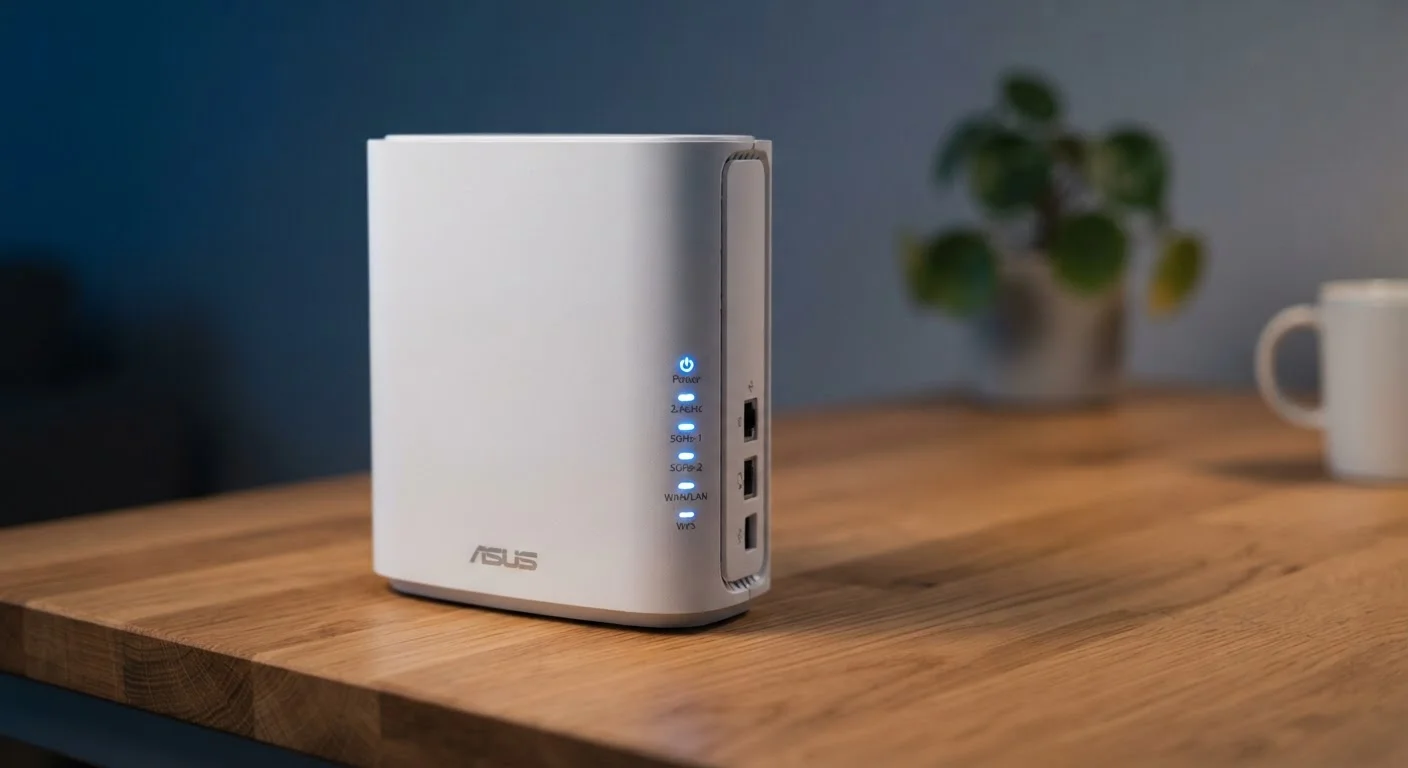
The Frequency Numbers: 2.4GHz vs. 5GHz (and 6GHz)
Every modern home router broadcasts Wi-Fi on at least two radio frequency bands. The number refers to how many times per second the radio signal oscillates - but what matters practically is the trade-off each band makes between range and speed.
2.4GHz has been around since the earliest Wi-Fi days. Its longer wavelength travels farther and passes through walls, floors, and furniture more effectively. The downside is that it's a crowded frequency - microwave ovens, baby monitors, and neighboring routers all compete in this space, which can cause interference and slower speeds.
5GHz is faster and less congested, but its shorter wavelength means it fades more quickly over distance and struggles more with solid obstacles. It's ideal for devices that are close to the router and need fast throughput, like a streaming TV or a gaming console.
6GHz is available on Wi-Fi 6E and Wi-Fi 7 routers. It's the fastest and least congested of the three, but has the shortest range and requires compatible devices to use it.
Why Your Router Has Two Network Names
Many dual-band routers broadcast two separate network names (SSIDs) - one for 2.4GHz and one for 5GHz. Newer routers with 'band steering' merge these into a single name and automatically assign each device to the best band. If you see two networks with names like 'HomeNetwork' and 'HomeNetwork_5G,' that's a dual-band router without band steering.
Wi-Fi Generations: What 5, 6, and 6E Actually Mean
Wi-Fi generations are defined by the IEEE 802.11 protocol standard, but the industry now uses simpler consumer labels. Here's a quick reference:
- Wi-Fi 4 (802.11n) - introduced around 2009; still found in older devices and budget hardware.
- Wi-Fi 5 (802.11ac) - widely deployed through the mid-2010s; supports 5GHz only and speeds up to around 3.5 Gbps theoretically.
- Wi-Fi 6 (802.11ax) - the current mainstream standard; works on both 2.4GHz and 5GHz, introduces better handling of many simultaneous devices, and improves battery life on connected gadgets through a feature called Target Wake Time.
- Wi-Fi 6E - the same as Wi-Fi 6 but adds support for the 6GHz band, offering more open spectrum for faster, less congested connections.
- Wi-Fi 7 (802.11be) - an emerging standard with significantly higher theoretical speeds and multi-link operation, though compatible devices are still limited.
For most households, Wi-Fi 6 represents a solid balance of performance, device compatibility, and availability. See our guide to internet speed terms if you want to understand the Mbps and Gbps figures attached to these standards.
Check Your Device's Wi-Fi Spec Before Upgrading
Before investing in a Wi-Fi 6 router, check whether your most-used devices actually support it. Look for '802.11ax' or 'Wi-Fi 6' in your laptop's or phone's technical specifications - typically found in the manufacturer's product page or your device's network settings. If most of your devices are Wi-Fi 5, the upgrade will still work but may deliver a smaller performance improvement than expected.
Decoding the Speed Label (AC1200, AX3000, and Similar)
That alphanumeric label on a router's box - AC1200, AC3000, AX3000, AX6000 - follows a simple pattern once you know the code.
The letter prefix indicates the Wi-Fi generation: AC = Wi-Fi 5, AX = Wi-Fi 6 or 6E. The number is the combined theoretical maximum speed in Mbps across all bands added together. An AX3000 router might offer 574 Mbps on its 2.4GHz band and 2,402 Mbps on its 5GHz band - add them up and you get approximately 3,000 Mbps.
These are theoretical maximums under ideal lab conditions. Real-world speeds depend on your internet plan, distance from the router, interference, and how many devices are connected. If your home internet plan delivers 300 Mbps, you won't feel the difference between an AX3000 and an AX6000 for everyday browsing - though a higher-rated router may handle device congestion better.
For a deeper look at why your wireless speeds may not match what's on the label, see what causes Wi-Fi slowdowns.
16+
Average connected devices per U.S. household
According to Deloitte's Digital Media Trends survey, the average American home now has more than 16 internet-connected devices, up sharply from a decade ago.
~70%
of home internet traffic delivered over Wi-Fi
The Wi-Fi Alliance estimates that the majority of broadband data consumed in homes is delivered wirelessly rather than over wired Ethernet connections.
4x
Wi-Fi 6 capacity improvement over Wi-Fi 5
The Wi-Fi Alliance notes that Wi-Fi 6 can deliver up to four times the capacity of Wi-Fi 5 in dense, multi-device environments due to advances in spectrum efficiency.
Putting It All Together: What to Look for in Your Setup
Once you understand the labels, you can make smarter decisions about your current router and any future upgrade. A few practical principles:
- If most of your devices connect from across the house or through walls, make sure 2.4GHz is enabled on your router - don't disable it even if 5GHz seems faster.
- If you have 20 or more devices connected simultaneously, a Wi-Fi 6 router handles that load more efficiently than a Wi-Fi 5 model, regardless of raw speed ratings.
- The router's Wi-Fi generation must match your device's capability for either to get the full benefit. A Wi-Fi 6 router talking to a Wi-Fi 5 laptop will use Wi-Fi 5 speeds.
- Tri-band and mesh systems are worth considering in larger homes, where a single router's signal would otherwise weaken at the edges.
Also keep in mind that your router's specs only describe the wireless side. Your internet plan's actual speed sets the real ceiling for anything going to or from the internet. You can review what your internet plan's fine print means to make sure your plan matches your needs. And once your network is configured, it's worth reviewing basic steps to secure your home Wi-Fi - many routers ship with default settings that leave them vulnerable.


