

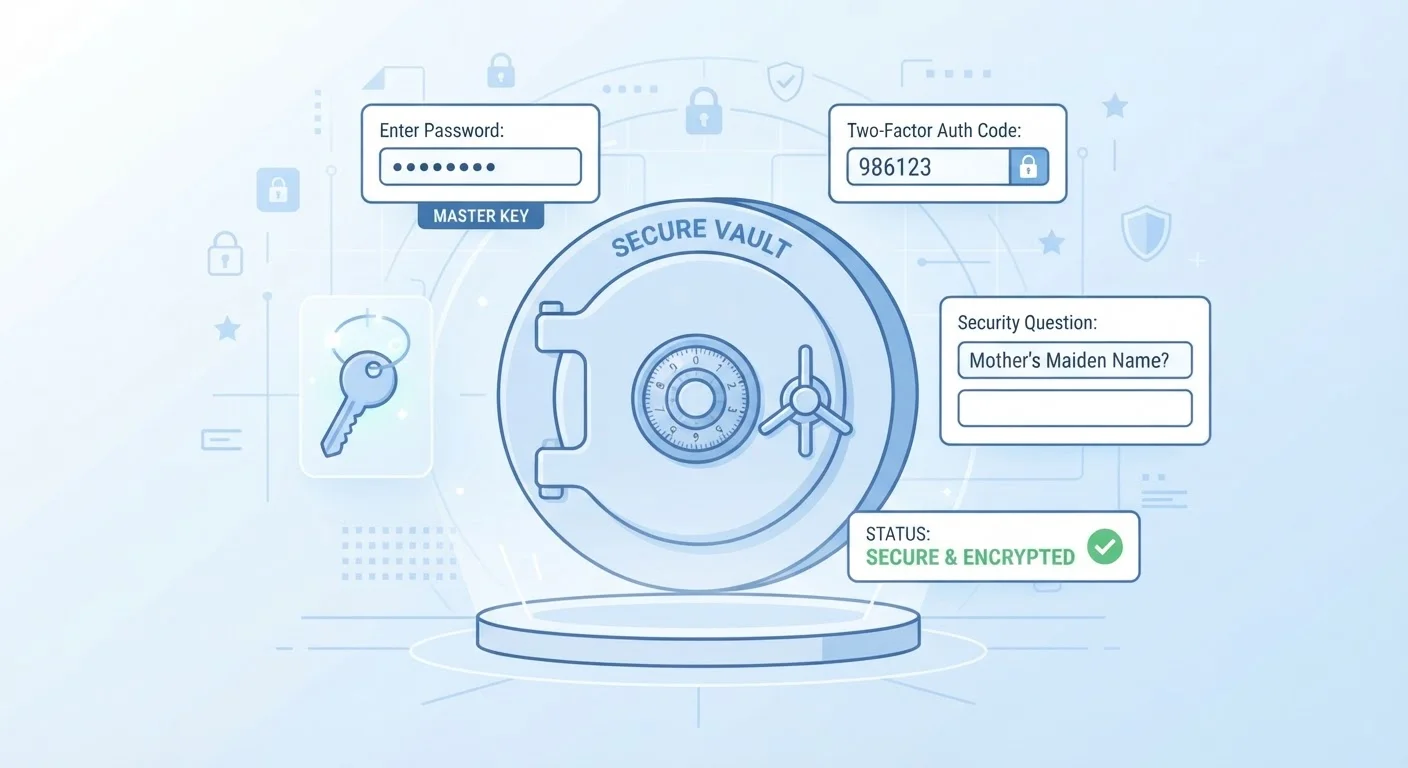
The Problem Password Managers Solve
The average internet user manages dozens of online accounts - email, banking, social media, streaming, shopping, and more. Security guidance consistently advises using a long, unique password for every single one. In practice, almost nobody does this without help, and for good reason: no one can memorize 50 different complex strings of characters.
The predictable result is password reuse. When one account is compromised in a data breach, attackers test those same credentials across other services - a technique called credential stuffing. Reusing passwords can expose dozens of accounts at once, even if your password seemed strong. Password managers break this chain by making unique passwords effortless to create and use.
~80%
Of breaches involving stolen or weak credentials
Verizon's Data Breach Investigations Report has consistently found that compromised credentials are a leading factor in data breaches across industries.
100+
Average online accounts per user
Research from password security firms has estimated that individuals maintain well over 100 online accounts on average, far exceeding what most people can manage with unique passwords unaided.
AES-256
Encryption standard used by reputable managers
AES-256 is the same encryption standard used by financial institutions and government agencies to protect sensitive data at rest.
How a Password Manager Actually Works
At its core, a password manager is an encrypted database - often called a vault - that stores your credentials. Here is what happens step by step:
- You create a master password. This is the only password you need to remember. It unlocks your vault and never leaves your device in a readable form.
- Your vault is encrypted. The manager scrambles the contents of your vault using strong encryption (typically AES-256) before storing or syncing it. Without the master password, the data is unreadable gibberish.
- The manager autofills credentials. When you visit a login page, the manager recognizes the site and offers to fill in your username and password automatically - no typing, no remembering.
- A password generator creates strong credentials. When you sign up for a new account, the manager can instantly generate a random, complex password and save it for you.
Cloud-based managers sync your vault across all your devices through encrypted transmission, so a password saved on your laptop is available on your phone within seconds.
Zero-Knowledge Encryption: Why It Matters
One of the most important concepts in password manager security is the zero-knowledge model. This means the service provider has no ability to read the contents of your vault - even on their own servers. Your master password is used to derive an encryption key locally on your device, and only the encrypted blob is ever sent to the cloud.
In practice, this means that even if a password manager company suffered a server breach, the stolen data would be encrypted and unusable without each individual user's master password. This is a fundamentally different security posture from, say, a website that stores passwords in plain text.
Your Master Password Is the Key - Literally
Because of zero-knowledge encryption, your master password is never stored by the provider - not even in hashed form in most architectures. This means account recovery depends entirely on the backup methods you set up yourself. Always generate and securely store your recovery key or backup codes when you first configure your account.
Zero-knowledge architecture does place one responsibility squarely on you: if you lose your master password and have no recovery method set up, the provider genuinely cannot help you regain access. Setting up recovery options when you first configure your manager is not optional - it is essential.
Additional Features Worth Knowing
Modern password managers have evolved well beyond simple credential storage. Common features include:
- Breach monitoring: The manager checks whether any of your stored passwords have appeared in publicly known data breaches and alerts you to change them.
- Password health reports: A dashboard that flags weak, reused, or old passwords so you can prioritize updating them.
- Secure notes: Encrypted storage for sensitive information like Wi-Fi passwords, software license keys, or security question answers.
- Two-factor authentication (2FA) support: Most managers support 2FA on the vault itself, adding a second layer of protection. Pairing a password manager with two-factor authentication is one of the most effective security combinations available to everyday users.
For a broader review of your overall login security posture, an account security audit can help you identify which accounts most urgently need stronger credentials.
Start With Your Most Critical Accounts
Migrating every password at once can feel overwhelming. Instead, begin with your highest-stakes accounts - email, banking, and any account tied to your primary email address. Email accounts especially are a gateway: if that password is compromised, an attacker can reset credentials for nearly everything else you own. Secure those first, then work outward at your own pace.
Common Concerns and How to Think About Them
Many people hesitate to adopt a password manager because putting everything in one place feels risky. This is a reasonable instinct, but the comparison that matters is not "one vault vs. nothing" - it is "one encrypted vault vs. the status quo of reused, forgettable passwords." Security professionals broadly agree the latter is far more dangerous.
Another concern is vendor reliability. Password managers, like any software, can experience outages or, in rare cases, security incidents. Reviewing a provider's published security practices and independent audits before committing is a sensible step. You can also look for managers that allow you to export your vault periodically as a local backup.
Finally, some users wonder how password managers differ from other privacy tools. A password manager protects your credentials; it does not anonymize your internet traffic. For a look at what a different tool covers, see our explainer on what VPNs protect and what they don't. Each tool has a distinct purpose, and understanding the difference helps you build security habits that actually match your real risks.


