

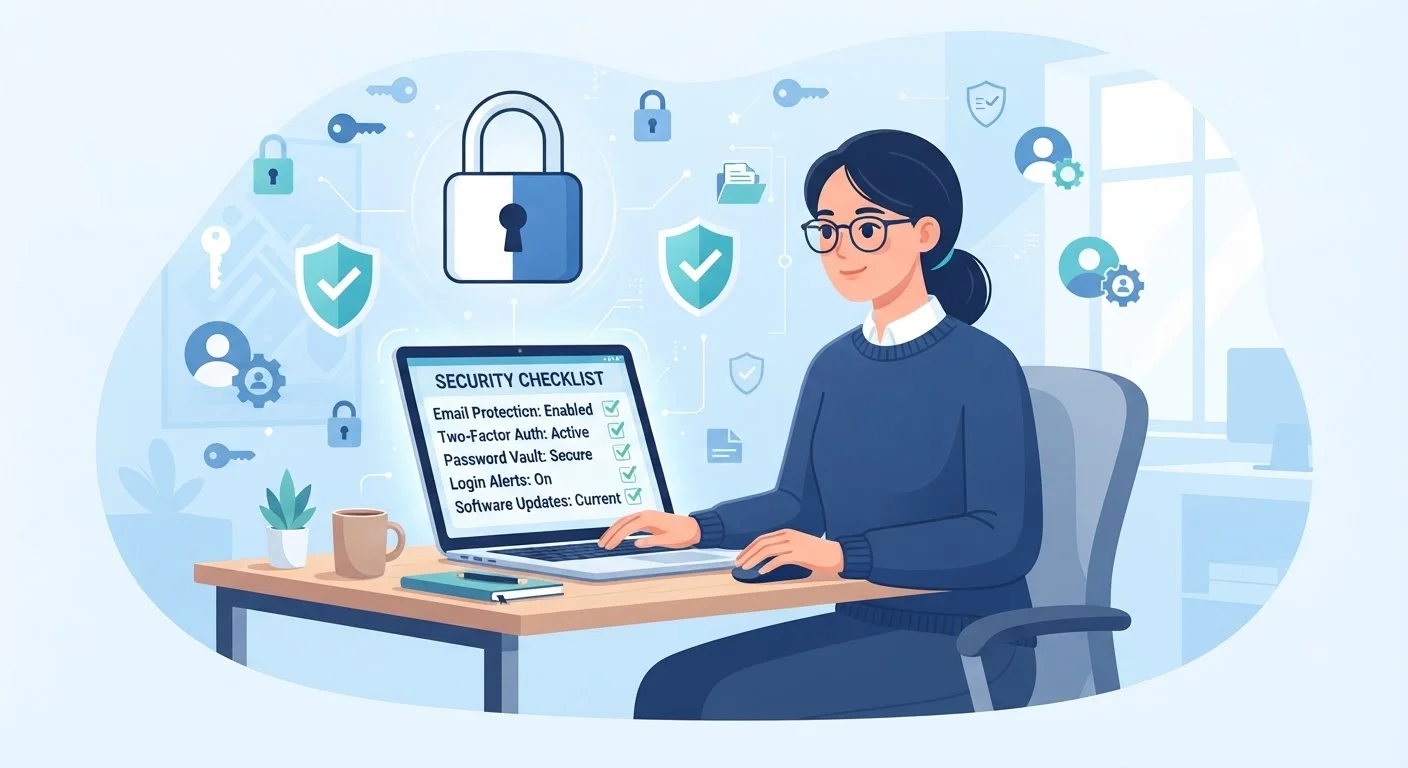
Why a Security Audit Belongs on Your Annual To-Do List
Most people set up an account, choose a password, and never look back - until something goes wrong. The reality is that the average person has dozens of active online accounts, and each one is a potential entry point for unauthorized access. A security audit is simply a structured review of every login you own, checking whether each account is as protected today as it should be.
Think of it the same way you might approach a yearly vehicle review - a proactive check that catches small problems before they become serious ones. Your digital accounts deserve the same attention.
This checklist walks you through the key questions to ask about every login you own, grouped into logical categories so you can work through them systematically. You don't need technical expertise - just a reliable internet connection and about 30 to 60 minutes of focused time.
Password Manager
Stores, generates, and auto-fills unique, strong passwords for every account - eliminating the need to remember or reuse credentials.
Authenticator App
Generates time-limited one-time codes for two-factor authentication, providing stronger account protection than SMS-based codes.
Breach Notification Service
Checks whether your email address or passwords have appeared in publicly known data breaches.
Secure Note Storage
Stores 2FA backup codes and account recovery information safely - can be a password manager's secure notes feature or an encrypted document.
How to Work Through This Checklist
Start by building a list of every account you can recall - email, banking, social media, streaming, shopping, health portals, and utility sites. Check your email inbox for account confirmation messages if you're unsure where you've registered. Work through each account against the checklist questions below.
For password-related items, a password manager can dramatically simplify the process by storing, generating, and auto-filling unique credentials for every site. For two-factor authentication (2FA) questions - which means requiring a second verification step beyond your password - our guide on what 2FA actually does explains how this protection works and why it matters.
Prioritize Your Email Account Above All Others
Your primary email address is effectively the master key to your digital life - most services allow password resets via email, meaning anyone who gains access to your inbox can take over your other accounts. Before any other step, ensure your main email account has a strong unique password and two-factor authentication enabled. Treat it as your most sensitive login.
Pay particular attention to your highest-risk accounts: primary email (often used to reset every other password), financial accounts, and any account tied to your government ID or healthcare records. These warrant the most scrutiny.
Password Strength & Uniqueness
Two-Factor Authentication (2FA)
Account Recovery Options
Active Sessions & Device Access
Connected Apps & Third-Party Access
Dormant & Unnecessary Accounts
Notification & Alert Settings
After the Audit: Keeping Your Accounts Secure Long-Term
A one-time audit is valuable, but account security is an ongoing habit. Set a calendar reminder to repeat this process at least once a year - or immediately after any data breach notification you receive. Services like haveibeenpwned.com (a widely referenced, independent breach notification resource) can alert you when your email address appears in known data leaks.
If you discover during this audit that you've reused passwords across multiple sites, prioritize changing those first. The risks of password reuse are often underestimated - see our detailed explanation of why reusing passwords is riskier than most people realize for a clear picture of how a single leaked credential can cascade into multiple compromised accounts.
For your 2FA method, note that not all second-factor options are equally secure. SMS text codes are more vulnerable to interception than authenticator apps. Our comparison of authenticator apps vs. SMS codes explains the difference and helps you decide which to use.
Don't Ignore Breach Notification Emails
If a service notifies you that your account was involved in a data breach, take it seriously and act immediately - change your password for that account and any other account using the same credentials. Delaying action after a breach notification is one of the most common ways compromised credentials lead to further harm. When in doubt about whether a breach notification email is genuine, navigate to the service's website directly rather than clicking any links in the message.
The goal isn't perfect security overnight - it's steady, meaningful improvement. Closing even a handful of forgotten accounts, enabling 2FA on your email, and replacing a few reused passwords makes a measurable difference in your overall risk exposure.


