

What Is Two-Factor Authentication and Why Does It Matter?
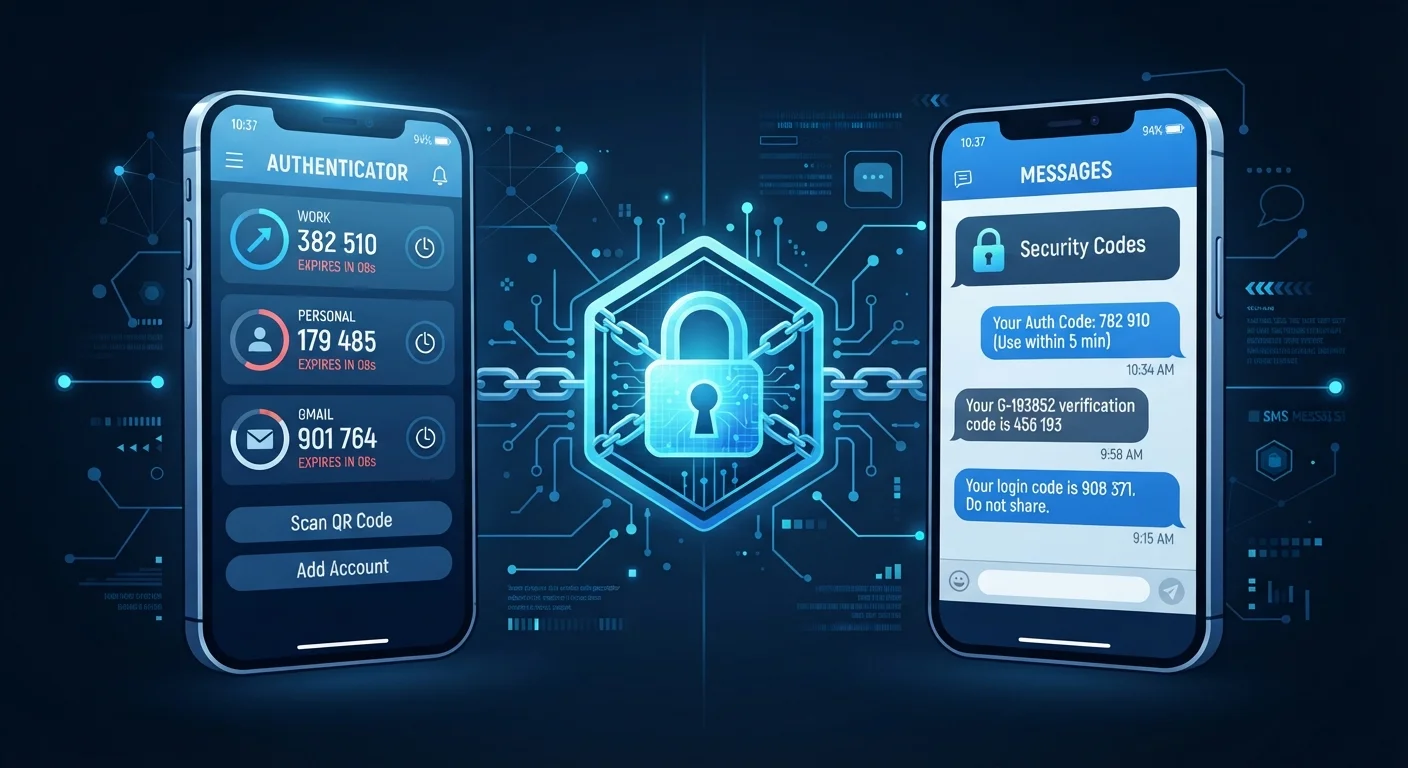
Two-factor authentication - often abbreviated as 2FA - requires you to verify your identity with a second piece of information after entering your password. That second factor is typically a short, time-sensitive code. The logic is straightforward: even if someone steals your password, they still can't access your account without that second code.
Think of it like a door with both a key lock and a deadbolt. A thief who picks one lock is still stopped by the other. For everyday accounts - email, banking, social media - 2FA dramatically reduces the risk of unauthorized access. The question isn't really whether to use it, but which method to use. That's where SMS codes and authenticator apps diverge significantly. You can learn more about related security habits in our guide on why reusing passwords is riskier than most people realize.
How SMS Codes Work - and Where They Fall Short
SMS-based 2FA sends a one-time numeric code to your mobile phone number via text message. You enter that code on the login screen to complete sign-in. It's familiar, requires no extra app, and works on virtually any phone with cellular service.
The catch is that SMS codes rely on your phone carrier's infrastructure, and that infrastructure has documented vulnerabilities.
- SIM-swap fraud: Criminals can contact your carrier and impersonate you to transfer your phone number to a SIM card they control. Once that happens, they receive your SMS verification codes - not you.
- SS7 network weaknesses: The signaling protocol underpinning global cellular networks (called SS7) has known security flaws that sophisticated attackers have exploited to intercept text messages in transit.
- Phishing: Attackers can trick you into entering a valid SMS code on a fake login page in real time, then use it themselves before it expires.
SIM-Swap Fraud Is a Real Threat
SIM-swap attacks have been used to compromise email accounts, crypto wallets, and even social media profiles. If a service holds sensitive financial or personal data, relying solely on SMS 2FA leaves a meaningful gap in your defenses. Contact your carrier about adding a PIN or port-freeze to your account for an extra layer of protection against unauthorized SIM transfers.
Despite these weaknesses, SMS 2FA is still far better than no second factor at all. If it's the only option a service offers, enable it.
How Authenticator Apps Work - and Why They're Stronger
Authenticator apps - such as those that implement the TOTP (Time-based One-Time Password) standard - generate codes directly on your device without sending anything over a network. The app and the website share a secret key set up during enrollment. Every 30 seconds, both sides independently calculate the same six-digit code using that key and the current time. No message is ever transmitted.
This architecture removes several attack vectors:
- No carrier dependency: Because no SMS is sent, SIM-swap fraud doesn't affect app-generated codes.
- Offline generation: Codes are created locally, so there's nothing for an attacker to intercept in transit.
- Short lifespan: Codes expire every 30 seconds, limiting the window for misuse even if one is captured.
Save Your Backup Codes
When setting up an authenticator app, the service will typically provide one-time backup codes. Store these in a secure location - a printed copy in a safe place or a password manager. If you lose your phone or uninstall the app without backing it up, these codes may be your only way to regain account access.
The main trade-off is convenience and setup. If you lose access to the device running your authenticator app - or lose the app's backup codes - account recovery can be difficult. Save your backup codes somewhere secure when you set up any authenticator.
| Authenticator Apps | SMS Codes | |
|---|---|---|
| How codes are delivered | Generated locally on your device | Sent via text message from carrier |
| Vulnerable to SIM-swap fraud | No | Yes |
| Vulnerable to message interception | No | Possible via SS7 attacks |
| Works without cellular signal | Yes | No |
| Setup complexity | Moderate (requires app install) | Simple (uses existing phone number) |
| Risk if device is lost | Account lockout without backup codes | New SIM retains access |
| Overall security level | Higher | Moderate |
Practical Guidance: What to Use and When
Security improvements don't have to be all-or-nothing. A practical approach is to prioritize your highest-risk accounts first.
Start with these accounts and switch to authenticator apps where available:
- Primary email (often the recovery key for every other account)
- Online banking and investment accounts
- Work or employer logins
- Any account storing payment information
For lower-stakes accounts - a streaming service you rarely use, a forum login - SMS 2FA is a reasonable middle ground if that's what the service offers. Something is always better than nothing. For a broader review of your account security posture, our account security audit checklist walks through the key questions to ask about every login you own.
It's also worth pairing any 2FA method with strong, unique passwords. Our guide on how password managers work explains how to manage that without memorizing dozens of complex strings. And if you're questioning whether your current habits are as secure as you think, check out our piece on online safety myths that give people a false sense of security.


