

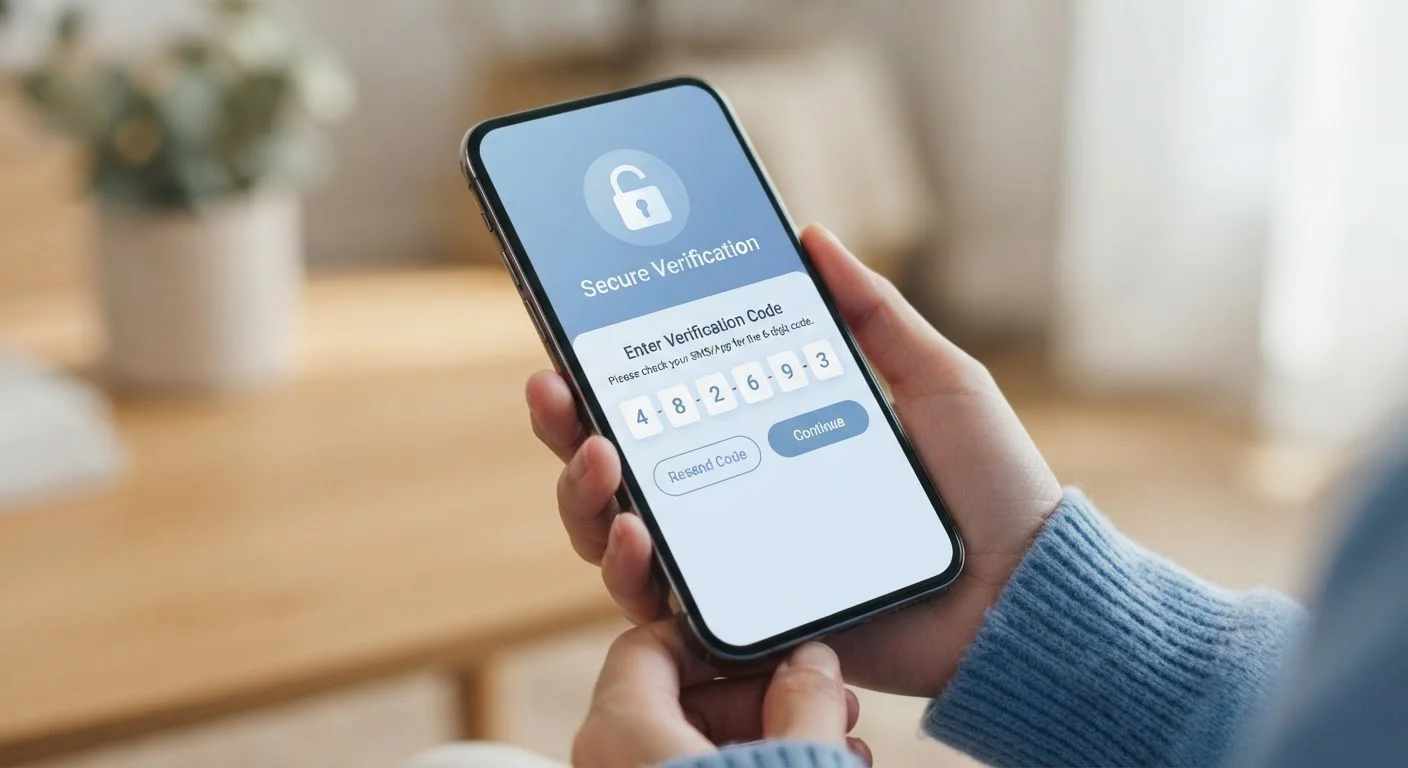
The Problem With Passwords Alone
Passwords have one fundamental weakness: once someone else has yours, your account is open. Data breaches expose millions of credentials every year. Attackers buy and sell these lists, then use automated tools to try stolen username-and-password combinations across hundreds of sites - a technique called credential stuffing. If you've ever reused a password, the risk compounds quickly. Our article on why reusing passwords is riskier than most people realize explains that chain reaction in detail.
Two-factor authentication breaks that attack pattern by adding a requirement that a stolen password simply cannot satisfy on its own.
99.9%
Of automated account attacks blocked by MFA
Microsoft's identity security research found that enabling multi-factor authentication blocks the overwhelming majority of automated credential attacks on accounts.
50%+
Of Americans who have experienced a data breach
Multiple national surveys indicate that more than half of U.S. adults have had personal information exposed in a data breach, underscoring the relevance of additional account protection.
How Two-Factor Authentication Actually Works
The core idea is straightforward: to log in, you must provide two independent pieces of evidence that you are who you claim to be. The first is your password - something you know. The second factor is typically one of the following:
- A one-time code via SMS - a six-digit number texted to your phone number
- An authenticator app code - a time-sensitive code generated by an app like Google Authenticator or Authy, which refreshes every 30 seconds
- A push notification - an approval request sent to your phone that you tap to confirm
- A hardware security key - a physical USB or NFC device you plug in or tap
When you enter your password on a protected account, the site then prompts for the second factor. Even if an attacker knows your password, they are stopped at this gate - they don't have your phone or your hardware key.
“Passwords are not enough. Adding a second factor means that a compromised credential alone is no longer sufficient for an attacker to gain access - and that changes the calculus for the vast majority of automated threats.”
— Cybersecurity & Infrastructure Security Agency (CISA), U.S. federal agency responsible for national cybersecurity guidance
Why It Matters More Than Most Security Advice
Security guidance can feel overwhelming, and not every recommendation makes a meaningful practical difference. Two-factor authentication is an exception. Research from major identity providers consistently indicates that accounts with 2FA enabled are dramatically less likely to be compromised in automated attacks compared to password-only accounts.
The reason is economic: attackers typically run large-scale, opportunistic operations. When breaking into an account requires real-time access to a specific person's phone or physical device, most automated attacks simply move on to easier targets. This does not make 2FA a guarantee - nothing in security is - but it substantially raises the cost and complexity of attacking your account.
Pairing 2FA with strong, unique passwords provides layered protection. A password manager can handle the complexity of maintaining unique passwords, while 2FA handles the scenario where a password is compromised despite best efforts.
Choosing the Right Second Factor
Not all second factors carry the same level of protection. SMS codes are the most widely available option and are far better than nothing - but they have a known vulnerability. A tactic called SIM swapping involves a criminal convincing a mobile carrier to transfer your phone number to their device, intercepting your codes. This attack is targeted and resource-intensive, making it rare for most people, but it is a real risk for higher-profile accounts.
Authenticator apps generate codes locally on your device and are not transmitted over the mobile network, making them significantly harder to intercept. Hardware security keys go further still, using cryptographic verification that is resistant to phishing. For a detailed breakdown of how these options compare, see Authenticator Apps vs. SMS Codes.
Save Your Recovery Codes When Setting Up 2FA
When you enable two-factor authentication, most services generate a set of single-use recovery codes. Download or print these and store them somewhere secure - separate from your phone. If you ever lose access to your second factor, these codes can restore your ability to log in. Skipping this step is one of the most common causes of account lockouts.
Where to Start Enabling 2FA
The practical first step is to protect your email account. Email is the master key for most of your digital life - password reset links from every other service go there. If an attacker gains access to your email, they can reset passwords on your bank, social media, and other accounts. Enabling 2FA on email first creates the biggest single reduction in your overall account risk.
From there, extend protection to financial accounts, then social media and any platform that stores payment information. Most services make this process straightforward: look in your account's security or privacy settings for options labeled Two-Step Verification, Two-Factor Authentication, or Login Verification. A systematic review of your accounts using our account security audit checklist can help you work through every login methodically.
Also consider how 2FA fits alongside safe browsing habits. Understanding what protections apply when you log in over the web - and where gaps remain - is covered in our guide to the difference between HTTP and HTTPS.


