

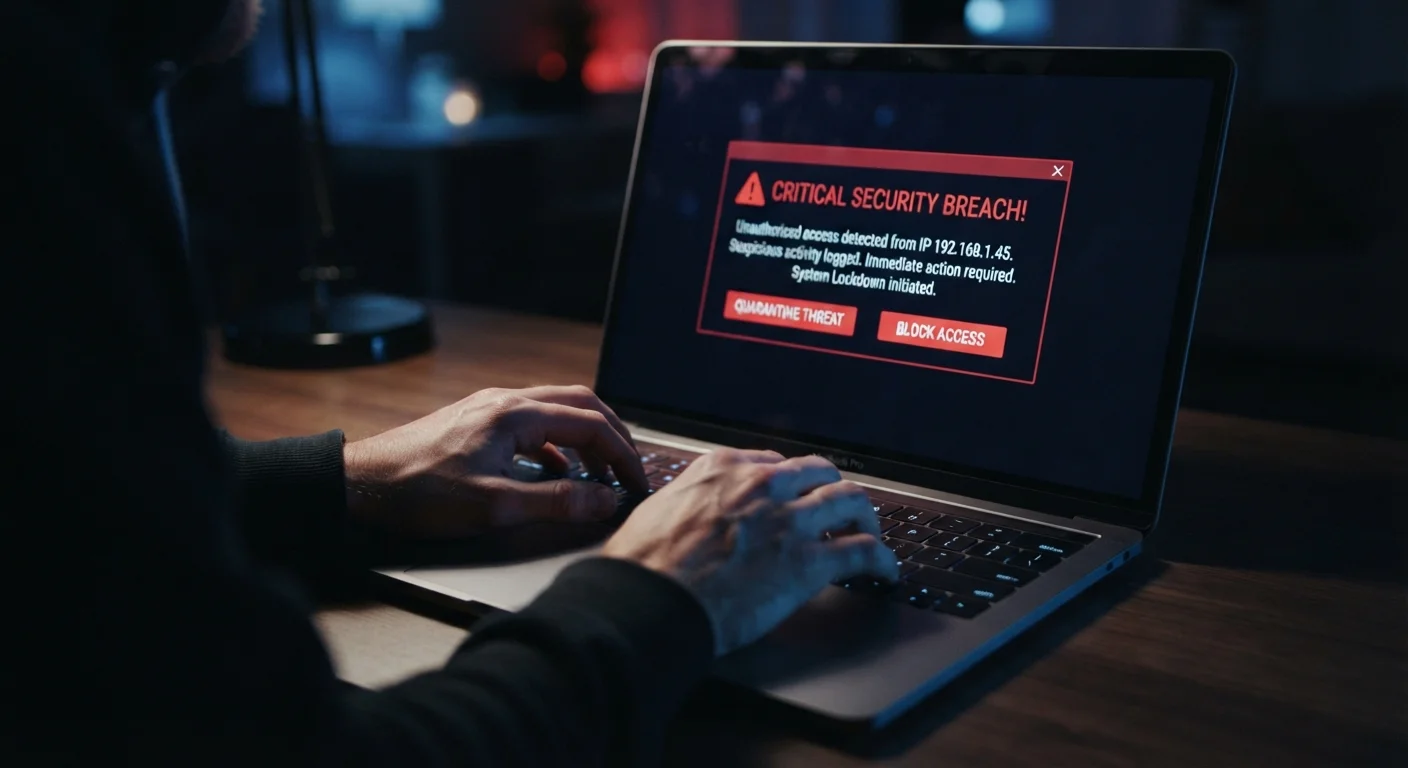
Why a Data Breach Demands Immediate Action
A data breach occurs when unauthorized parties gain access to information stored by a company - which can range from email addresses and passwords to payment details and government ID numbers. Once stolen data is in the wrong hands, it can be used within hours. Attackers automate credential testing across hundreds of popular sites, so the window between breach disclosure and account takeover can be very short.
The damage is rarely limited to the company that was breached. Your risk spreads to every other service where you use the same credentials. Understanding what data companies collect and where it goes can help you gauge exactly what was at stake - but in the immediate aftermath, fast and structured action matters most.
What you will need
Work through the steps below in order. The sequence is deliberate: each step reduces your exposure before you move to the next.
Verify the breach is real
Before acting, confirm the notification is legitimate. Visit the company's official website directly - type the address into your browser rather than clicking any link in an email. Many companies post breach notices in their newsroom or security center. You can also check your email address against reputable breach-tracking databases (search for 'have i been pwned' to find a well-known free tool). Scam breach alerts are common, so verification protects you from acting on false information or falling for phishing.
Change your password on the breached service
Log in to the affected account and update your password immediately. Create a long, random password you haven't used anywhere else - at least 12 characters mixing letters, numbers, and symbols. If you cannot log in because your credentials were already changed by an attacker, use the 'Forgot Password' or account recovery option and follow the prompts. Once you're back in, update the password before doing anything else.
Update passwords on every account that shared it
This step is where most people lose ground. Password reuse is extremely common, and attackers know it. Write down or recall every service where you used the same or a similar password - email, banking, social media, shopping, streaming - and change each one to a new unique password. Prioritize your primary email account first; it controls password resets for virtually everything else.
Enable two-factor authentication (2FA)
Two-factor authentication - sometimes called 2FA or multi-factor authentication (MFA) - requires a second verification step beyond your password when you log in. Even if someone has your password, they can't access your account without that second factor. Enable 2FA on the breached account first, then on your email and financial accounts. An authenticator app provides stronger protection than SMS text codes, though either is significantly better than no 2FA at all.
Review your financial accounts for unauthorized activity
If the breach exposed payment card numbers, bank account details, or your Social Security number, log in to your bank and credit card accounts and look for any transactions you don't recognize - even small ones. Fraudsters often run small 'test' charges before larger withdrawals. Report any suspicious charges to your financial institution immediately. Note the date you reported, the name of the representative, and any case number given.
Consider placing a credit freeze
If the breach included sensitive personal information - your Social Security number, date of birth, or address - a credit freeze (also called a security freeze) is one of the most effective tools available. It prevents new credit from being opened in your name without your lifting the freeze first. Contact each of the three major U.S. credit bureaus - Equifax, Experian, and TransUnion - to place a freeze. It is free by federal law and does not affect your credit score. You can lift it temporarily whenever you need to apply for credit.
Log out of active sessions and revoke third-party app access
Many accounts let you view and terminate all active login sessions from the security settings page. Do this on the breached account to kick out any unauthorized sessions. Also review which third-party apps or services have been granted access to that account - a common option in email and social media settings - and revoke access for anything unfamiliar or no longer needed. This closes side doors that can persist even after a password change.
Staying Protected After the Recovery
Completing the steps above addresses the immediate crisis. The longer-term goal is making sure one future breach doesn't set off the same chain reaction. That starts with building habits that limit your exposure in the first place.
Use a Password Manager Going Forward
A password manager generates and stores a unique, complex password for every site - so a breach at one service never exposes another. Most operate across all your devices and take just a few minutes to set up. This single habit closes the biggest door attackers walk through after a breach.
Periodically reviewing every account you own - not just the breached one - is worth the time. The account security audit checklist is a structured way to work through your logins and confirm each one has a unique password and 2FA where available.
Watch Out for Breach-Related Phishing
After a publicly known breach, scammers often send fake emails pretending to be the affected company and urging you to click a link to 'secure your account.' Go directly to the company's website by typing the address yourself - never click links in unsolicited emails. Legitimate companies will not ask for your password via email.
For a broader foundation, this beginner's guide to digital privacy covers the core ideas behind protecting your information online without requiring technical knowledge. Consistent, simple habits - unique passwords, 2FA, and prompt action when something goes wrong - are the most reliable defense most people have.
Don't Wait to Change Shared Passwords
If the breached account used a password you've reused elsewhere, every one of those accounts is vulnerable right now. Attackers routinely test exposed credentials against banking, email, and shopping sites within hours of a breach. Prioritize your email and financial accounts above all others - they're the keys to everything else.


