

Why Mobile Data Habits Matter
Mobile data plans come in a wide range of sizes, from a few gigabytes to so-called unlimited tiers that still throttle speeds after a certain threshold. Regardless of which plan you're on, understanding how data is consumed day-to-day helps you make more intentional choices - and avoid the frustration of hitting a cap mid-month or paying unexpected overage fees.
Most people underestimate how much data runs in the background. Streaming, syncing, app updates, and cloud backups can all happen automatically, often without a single tap from you. If you've ever wondered why your data disappears faster than expected, the answer is usually found in settings you haven't reviewed recently. For a broader look at how your phone and apps interact with data, see our Everyday Devices hub for plain-language explainers on the gadgets people use every day.
Key Habits for Keeping Data Use in Check
The practices below address the most common sources of unintended data use. None require technical expertise - just a few minutes in your phone's settings.
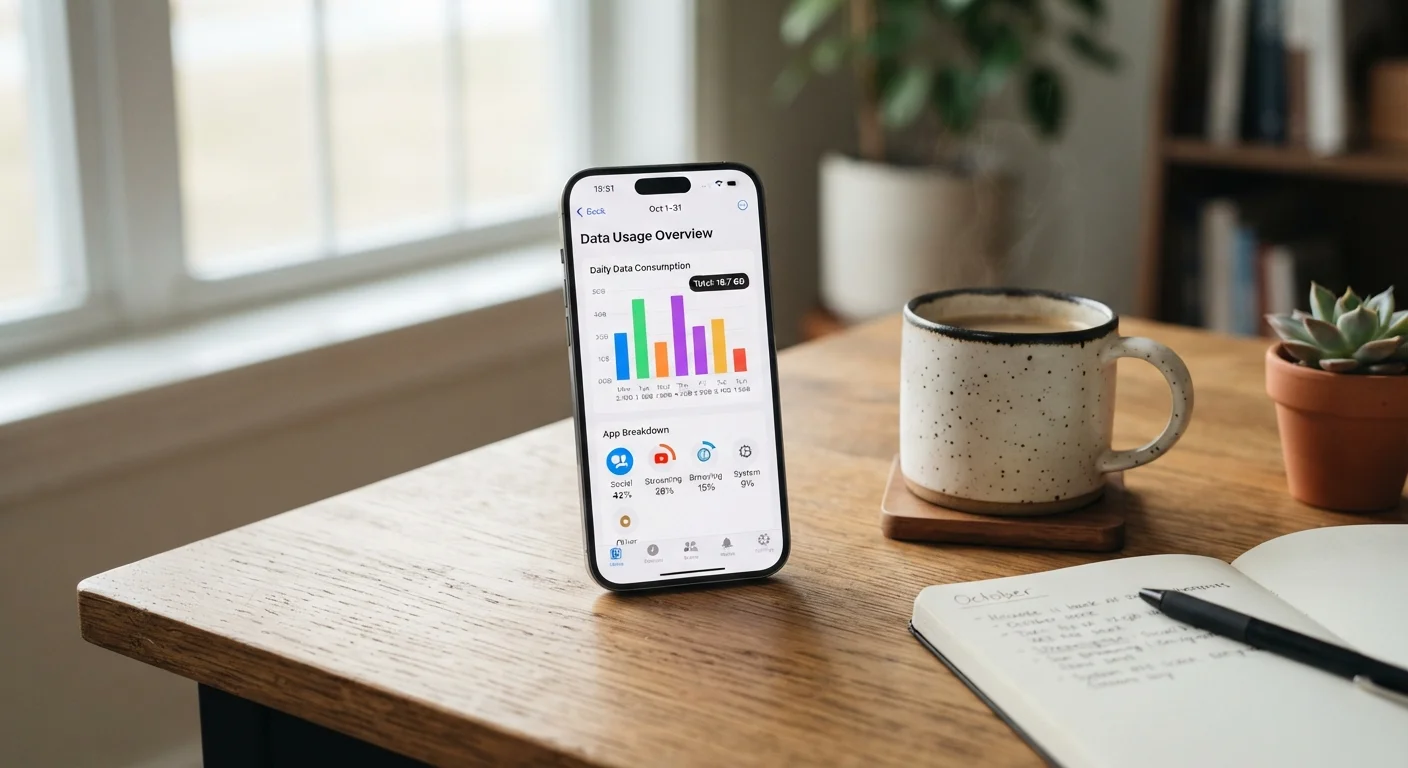
Audit your data usage monthly using your phone's built-in tracker
Both Android and iPhone have native data usage monitors in Settings that show consumption per app over a rolling period. Reviewing this regularly reveals which apps are using far more data than you'd expect, giving you specific targets to adjust rather than guessing.
Restrict background data access for apps that don't need it
Many apps refresh their content continuously in the background - news feeds, social media, and email clients are common examples. Limiting background data for non-essential apps means they only consume data when you actively open them, which can meaningfully reduce monthly totals.
Configure app updates and large downloads to Wi-Fi only
App updates can range from a few megabytes to several gigabytes, especially for games or productivity suites. Allowing these to download over cellular can consume a significant portion of a monthly plan in a single session without any visible activity.
Lower video streaming quality when using cellular data
HD and 4K video streaming is the most data-intensive common activity on a smartphone. Most streaming platforms offer per-network quality settings, letting you cap cellular streaming at standard definition while still enjoying higher quality on Wi-Fi.
Use Wi-Fi offloading intentionally for data-heavy tasks
Shifting large tasks - cloud backups, software downloads, video uploads - to a trusted Wi-Fi connection before or after you're on the go keeps those activities off your cellular allowance entirely. This is most effective when made a consistent habit rather than a reactive measure.
Set a data usage warning or soft limit on your device
Smartphones allow you to set a monthly data warning and an optional hard limit that disables mobile data once reached. A warning notification gives you time to adjust behavior before hitting your plan cap, rather than discovering the problem after the fact.
If your plan is no longer meeting your needs even after adjusting these habits, it may be worth reviewing your options. Our guide on switching mobile carriers without losing your number explains how to change plans or providers without the complications many people worry about.
Quick Actions You Can Take Right Now
You don't need to overhaul every setting at once. A few targeted changes today can make a measurable difference by the end of your billing cycle.
For readers setting up a new device, pairing these habits from the start pays dividends. Our setup guide for new smartphones walks through the foundational steps before downloading a single app.
Understanding Data Caps and Usage Patterns
Not all data caps are created equal. Some plans slow speeds after a certain point rather than cutting service outright - a practice called throttling. Others charge per gigabyte over the limit. Knowing which type applies to your plan changes how urgently you need to conserve.
~3 GB
Data used per hour of HD video streaming
According to general estimates widely cited by carriers and consumer technology publications, HD streaming over cellular is the single largest driver of mobile data consumption for most users.
~1 GB
Data used per hour of standard-definition streaming
Switching from HD to standard definition on the same stream can cut cellular data use by two-thirds or more, depending on the platform and content type.
~150 MB
Data used per hour of audio streaming
Audio-only streaming - music or podcasts - uses a small fraction of what video requires, making it a data-friendly alternative when visuals aren't needed.
Streaming video is typically the single largest driver of mobile data use for most people. A standard-definition stream uses considerably less data than HD, and most platforms let you set streaming quality per network type in their settings. Audio-only streaming and podcast listening use a fraction of what video requires. For a deeper look at how different usage types interact with plan limits, see our article on understanding data caps.
This article provides general educational information about mobile data usage and is not a substitute for guidance from your specific carrier regarding your plan's terms, limits, or policies.


